
Download Fermata Auto APK – Media Player, Multimedia App, IPTV, YouTube, SFTP, SMB, Google Drive
Overview
Fermata Auto is a compact multimedia application designed to deliver a seamless media-playing experience across audio, video, and live TV content. Built for users who value both functionality and efficiency, the software offers a streamlined platform for organizing and enjoying digital entertainment. Its primary purpose is to serve as a centralized media hub capable of handling diverse file types and streaming sources, including IPTV with EPG and archives, YouTube integration, and web browsing via add-ons. The app supports network-based media access through SFTP, SMB (CIFS), and Google Drive, enabling users to stream content from remote locations without requiring local storage.
Targeted at media enthusiasts and casual users alike, Fermata Auto caters to individuals seeking a customizable and feature-rich playback solution. It is particularly suited for those who manage large media libraries across multiple folders or require access to live TV streams and online content. The app remembers the last played track and playback position for each folder, enhancing continuity and user convenience. Despite its small file size of 2.1 MB, the software delivers robust functionality, making it an efficient choice for both mobile and desktop environments.
Key Features & Capabilities
- Multi-format media playback – Supports a wide range of audio and video file types, allowing users to play content without format restrictions.
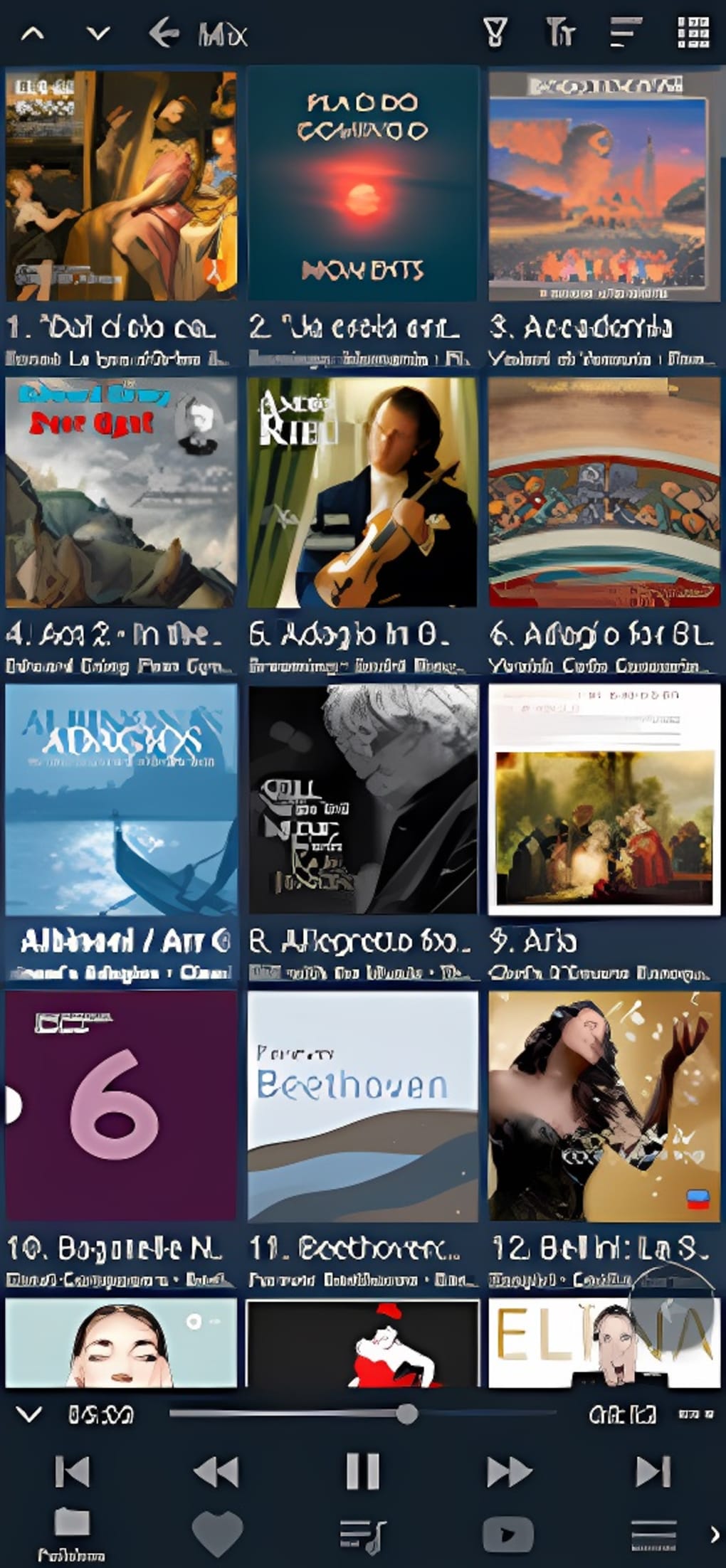
- Folder and playlist management – Enables users to organize media files into folders and playlists, streamlining navigation and playback.
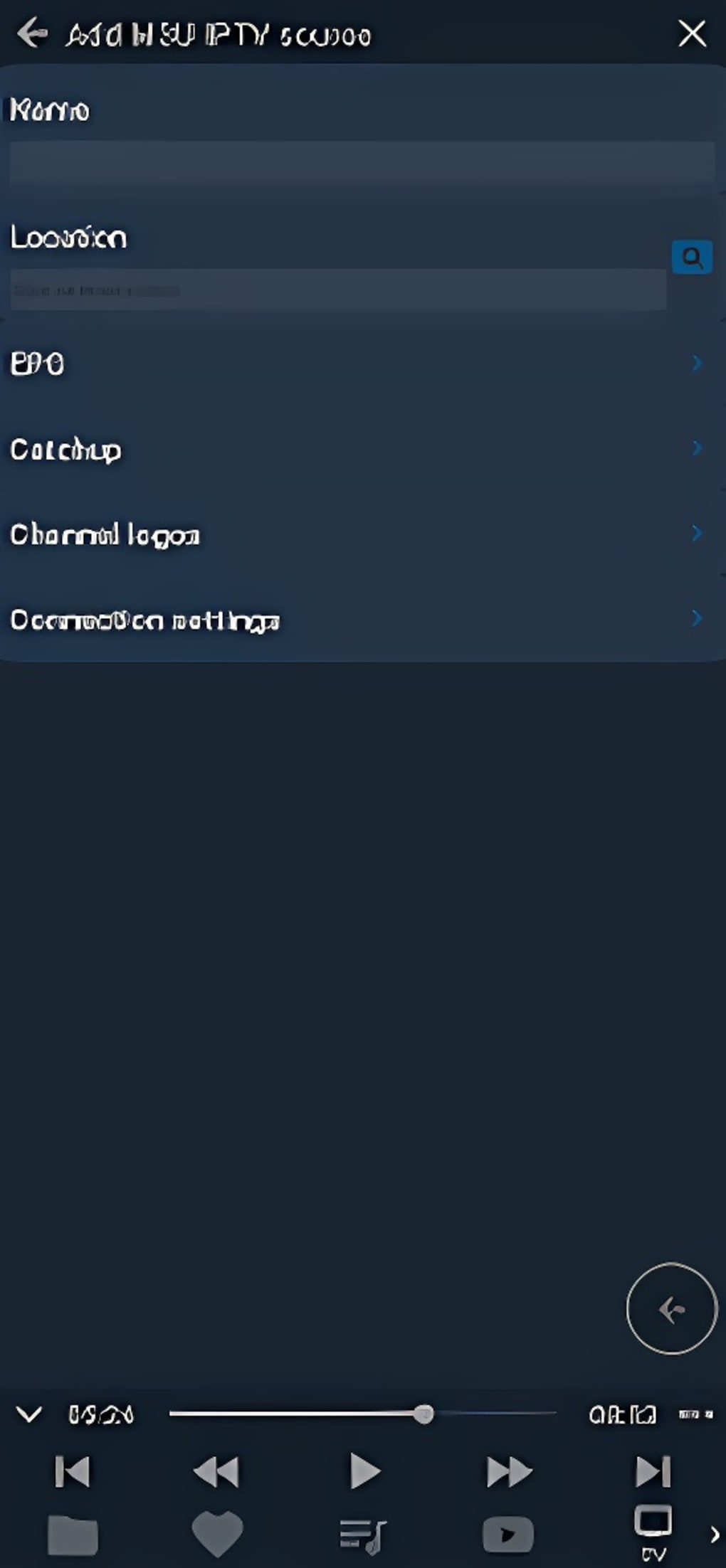
- IPTV with EPG and archives – Offers access to live TV channels with electronic program guides and archived content for on-demand viewing.
- YouTube and web browsing add-ons – Integrates directly with YouTube and supports basic web browsing, expanding the app’s entertainment reach.
- Network folder support – Connects to remote storage via SFTP, SMB (CIFS), and Google Drive, enabling access to media stored on external servers.
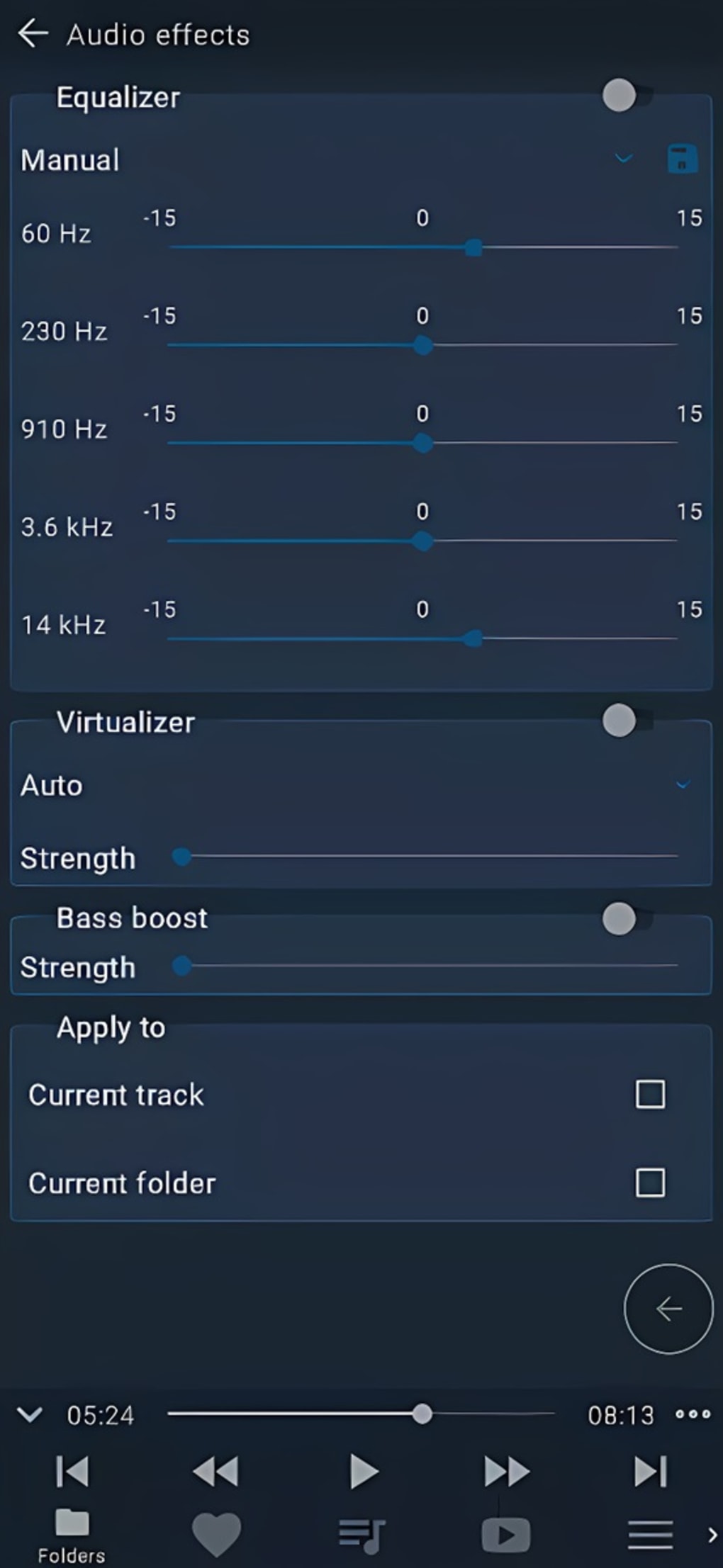
- Custom playback settings – Allows individual track and folder-level adjustments for playback speed, audio effects, and other playback parameters.
- Resume playback – Automatically remembers the last played position for each folder, ensuring continuity across sessions.
These features make Fermata Auto ideal for users managing extensive media collections or accessing live streams. For example, a user can set up a playlist of favorite movies, access a remote NAS via SMB, and seamlessly switch between IPTV channels and YouTube videos—all within a single interface. The ability to customize playback settings per folder allows for tailored experiences, such as slowing down audio for language learning or enhancing bass for music playback.
User Interface, Workflow & Performance
The user interface of Fermata Auto is designed with simplicity and functionality in mind, offering a clean layout that prioritizes media access and playback controls. Navigation is structured around folders, playlists, and streaming sources, allowing users to browse content efficiently. While the interface is generally intuitive, the abundance of features may require some time to master, particularly for new users unfamiliar with advanced media player workflows.
Workflow efficiency is enhanced by features like automatic resume playback and folder-based state saving, which reduce the need for repetitive setup. The app’s lightweight nature contributes to responsive performance, though exact performance details were not specified. The developer did not provide additional system requirements, so resource usage behavior remains unclear. General software behavior suggests low CPU and RAM consumption due to the 2.1 MB file size, but this is not confirmed. Stability appears consistent based on the app’s release history, though real-world user feedback was not provided.
Compatibility & System Requirements
Fermata Auto is available for both Android and Windows platforms, making it accessible across mobile and desktop environments. The current version is 1.1.3, released on January 15, 2024. The installation size is 2.1 MB, indicating a lightweight footprint suitable for devices with limited storage.
Platform compatibility information is limited. The developer did not provide additional system requirements, so specific hardware or OS version details are unavailable. Users should ensure their device meets general standards for running a multimedia application, particularly when accessing network folders or streaming IPTV. Compatibility with older OS versions cannot be confirmed without further documentation.
Pros and Cons
Pros
- Compact size (2.1 MB) with efficient resource usage
- Supports a wide range of media formats and streaming sources
- Advanced features like IPTV with EPG and archives
- Network access via SFTP, SMB, and Google Drive
- Customizable playback settings per folder or track
- Automatic resume playback for improved continuity
- Free to download and use
Cons
- Feature-rich interface may overwhelm new users
- Exact system requirements not specified
- Limited documentation or user guides
- Performance data not publicly available
- Compatibility with older devices or OS versions unclear
FAQ Section
Is Fermata Auto available for both Android and Windows?
Yes, Fermata Auto is available for both Android and Windows platforms, allowing users to access the app across mobile and desktop environments.
Is Fermata Auto safe to download and use?
As a free application, Fermata Auto is designed for media playback and does not include known security risks. However, users should only download from trusted sources to ensure authenticity.
Does Fermata Auto require an internet connection?
While local media playback does not require an internet connection, features like IPTV, YouTube integration, and network folder access (SFTP, SMB, Google Drive) do require an active connection.
Can I use Fermata Auto offline?
Yes, the app supports offline playback of locally stored media files, including those organized in folders and playlists.
Is Fermata Auto free to use?
Yes, Fermata Auto is completely free to download and use, with no hidden costs or subscription fees.
Final Thoughts + CTA
Fermata Auto stands out as a powerful, lightweight media player that delivers a comprehensive entertainment experience despite its minimal footprint. Its support for diverse media formats, network integration, and advanced playback customization makes it a strong choice for users who demand flexibility and control. While the interface may present a learning curve due to its extensive feature set, the benefits of personalization and seamless playback continuity are significant. The app is especially well-suited for media enthusiasts managing large libraries or accessing live TV and online content.
For those seeking a free, feature-rich, and compact media solution, Fermata Auto offers a compelling option. With no cost and broad compatibility, it lowers the barrier to entry for high-quality media playback. Download Fermata Auto now to experience a versatile, customizable entertainment platform tailored to modern media consumption.





.png)

